
Product
Damage detection on the photos you already take
Your team photographs inbound freight already. The step still done by hand is deciding which of those photos show damage — on a busy shift, by someone with a dock to clear. Teuscan does that step automatically.
The part that is still manual
Photographing freight for claims defence is a solved problem, and has been since around 2018. Most warehouses have the process, it works, and it saves money on disputes. That is not what this is.
What is not solved is everything that has to happen before those photos are useful. A person has to notice the damage in the first place. They have to get a usable photo of it. They have to mark that batch as damaged so somebody downstream knows to look. Every one of those steps depends on attention that a receiving clerk does not reliably have at 4pm with three trucks waiting.
This came up unprompted in discovery. Several warehouse managers described the same thing: they document damage early because reactive claim processing wastes time and sours the customer relationship — and they did not want detection to depend solely on whether a busy person noticed. One had gone as far as collecting hundreds of images each of damaged boxes, damaged pallets and damaged wrap. People do not do that unless the problem is real.
How it fits your workflow
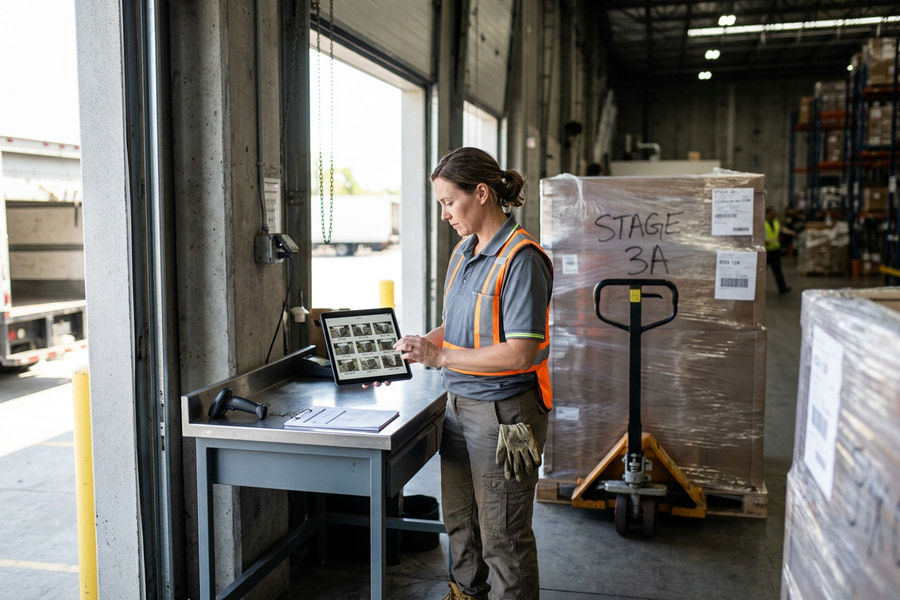
Nothing about how your team takes photos changes. Teuscan sits behind the process you already run.
Connect
Photos reach us through the API as they are captured or uploaded — from your WMS, your existing photo tool, a shared folder, or a phone. We do the integration work ourselves, and it is included.
Detect
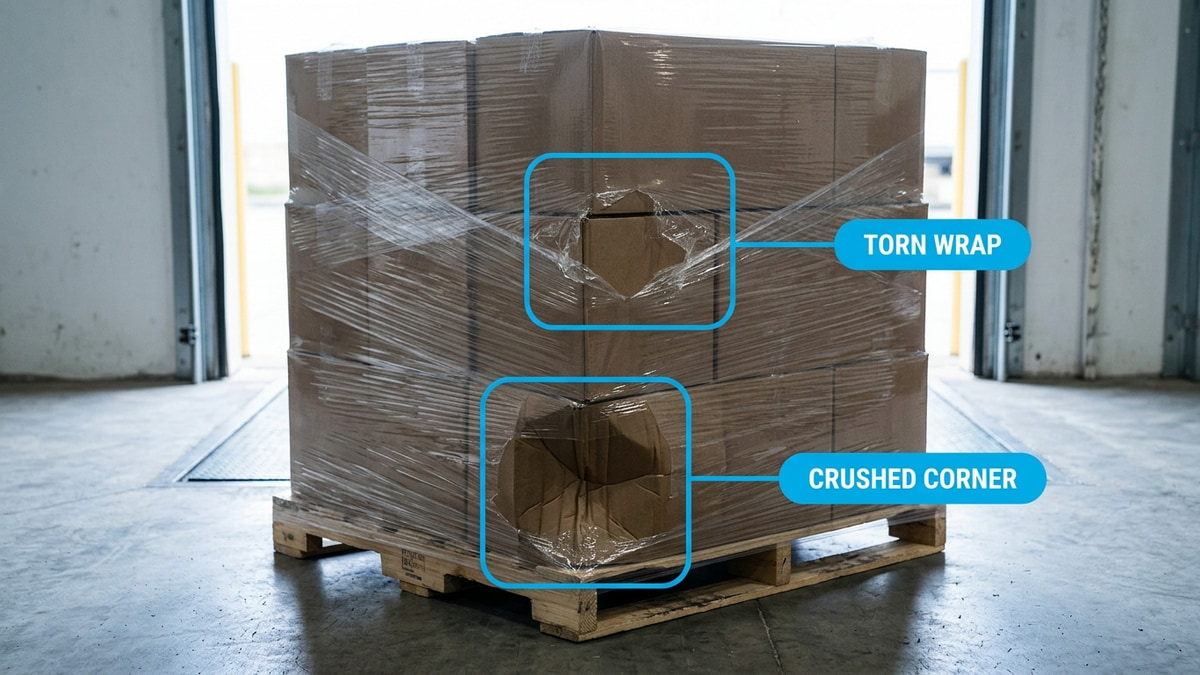
Each photo is read by a vision model that looks for damage the way your receiving clerk would: crushed corners, torn wrap, punctures, leaning or shifted loads, water staining. Findings are located on the photo and graded individually.
Notify
A timestamped report goes to whoever should see it, typically within 1-2 minutes of the photo being taken — often while the truck is still at the dock. You tell your customer before they find out on their own.
Three severity levels, and you set the threshold
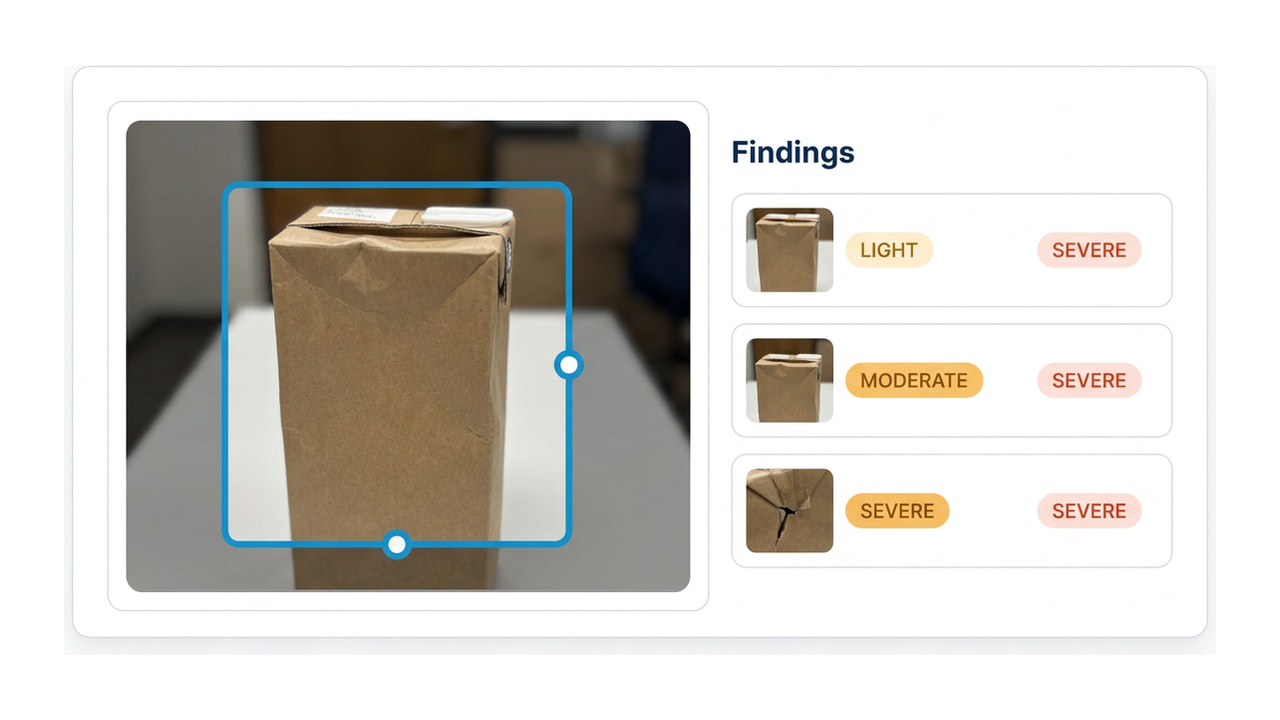
A warehouse manager told me his real objection to damage-detection software: "we would just be babysitting a noisy robot." He was right to worry. A tool that flags every scuff trains your team to ignore it, and then it misses the one that mattered. Every finding is graded on its own, so one photo can carry a light scuff and a severe crush without the two averaging into something useless.
- light
Cosmetic, worth recording
Scuffing, minor creasing, small tears in outer wrap. Goes in the record so it cannot be attributed to you later, but does not need to wake anybody up.
- moderate
Worth a look before it ships on
Crushed corners, punctured cartons, wrap failure exposing product, visible load shift. The band most warehouses set as their notification floor.
- severe
Stop and escalate
Structural pallet failure, collapsed or leaning stacks, deep crush across multiple cartons, liquid damage. The freight should not move on before somebody looks at it.
Why a vision model rather than a trained detector
The established approach in this category is a detector trained on a fixed set of labelled defects, usually fed by cameras mounted where the lighting and the angle can be controlled. That works, and for a narrow, repeatable inspection it works very well.
Freight damage is the wrong shape for it. A crushed corner, a torn wrap, a leaning pallet, a punctured carton, a shifted load, a soaked box — the failure modes run into the thousands of forms, and a classical detector only recognises the ones it was trained on. Anything unfamiliar is silently not-damage.
A vision model reads the photo rather than matching it against a label set, which means it generalises to damage nobody thought to annotate, and it can describe what it found in a sentence you can forward to a customer unedited. That is the technical bet this product is built on, and it is the reason Teuscan needs no hardware: any photo good enough for a person to judge is good enough for the model.
What we are not claiming
There is no published accuracy figure on this page because there is not yet an honest one to publish. Measuring precision and recall properly means doing it on real customer freight, across real dock lighting, and that work has not been done.
When it has, the number goes here whatever it says. In the meantime the demo exists so you can check the claim yourself rather than take it on trust — that is the whole reason it needs no sign-up.
Questions this usually raises
Will it work on my photos, not a demo set?
That is the right question and the only honest answer is to try it. The demo on the homepage runs the real pipeline on whatever you upload — same model, same prompt, same report. Or email me 5-10 photos from your dock, including the bad ones, and I will run them and send back the report you would have received automatically.
Do we have to change how our team takes photos?
No. The product exists because you already take them. If a photo is good enough for a person to judge damage from, it is good enough here — and if it is not, the quality check tells you that instead of guessing.
What happens with a photo that shows no damage?
It comes back with a no-damage verdict and the same timestamped record. That record is worth having: it is evidence of condition at your dock at a known time, which is exactly what a later dispute turns on.
How fast is it really?
One to two minutes from the photo arriving to the notification, in normal operation. The model call itself is a few seconds; the rest is the pipeline around it. The demo shows you the real timing on your own photo.
Can we tune what it alerts on?
Yes, and you should. Severity thresholding is the main control — most operations settle on notifying at moderate and above while still recording light findings. Tell me what your team actually wants to be woken up for and we will set it there during the pilot.
See it on your own freight
Upload a photo and get the real report back — no sign-up. Or send me a handful from your dock and I will run them myself.